
Search result
Overview
Connections
Playback
Settings
Tips
Appendix
Displaying Channel Level Monitoring
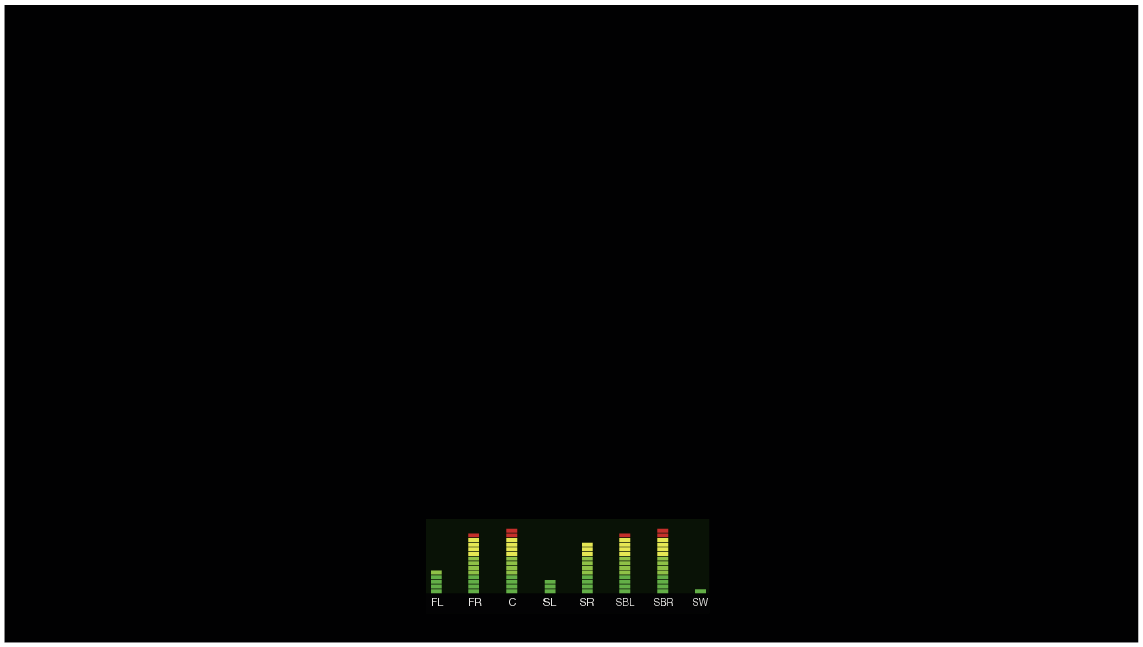
Displays the audio output level of each channel on screen.
Press OPTION.
An option menu screen is displayed.
When the input source is “HEOS Music”, an option menu for online music is displayed. Select “AVR Options…”, then press ENTER.
Use cursor Up/Down to select “Channel Level Monitoring”, then press ENTER.
The “Channel Level Monitoring” screen is displayed.
Use cursor Left/Right to set the channel level monitoring function to on/off.
|
On: |
Always display Channel Level Monitoring screen. |
|
Off |
Do not display Channel Level Monitoring screen. |
“Channel Level Monitoring” screen does not sync with Master Volume values.
INTEGRATED NETWORK AV AMPLIFIER