Removing a stereo pair
Tap the “Home” tab.
Select the Settings icon  in the upper-right corner of the screen.
Tap “In-Room Groups”.
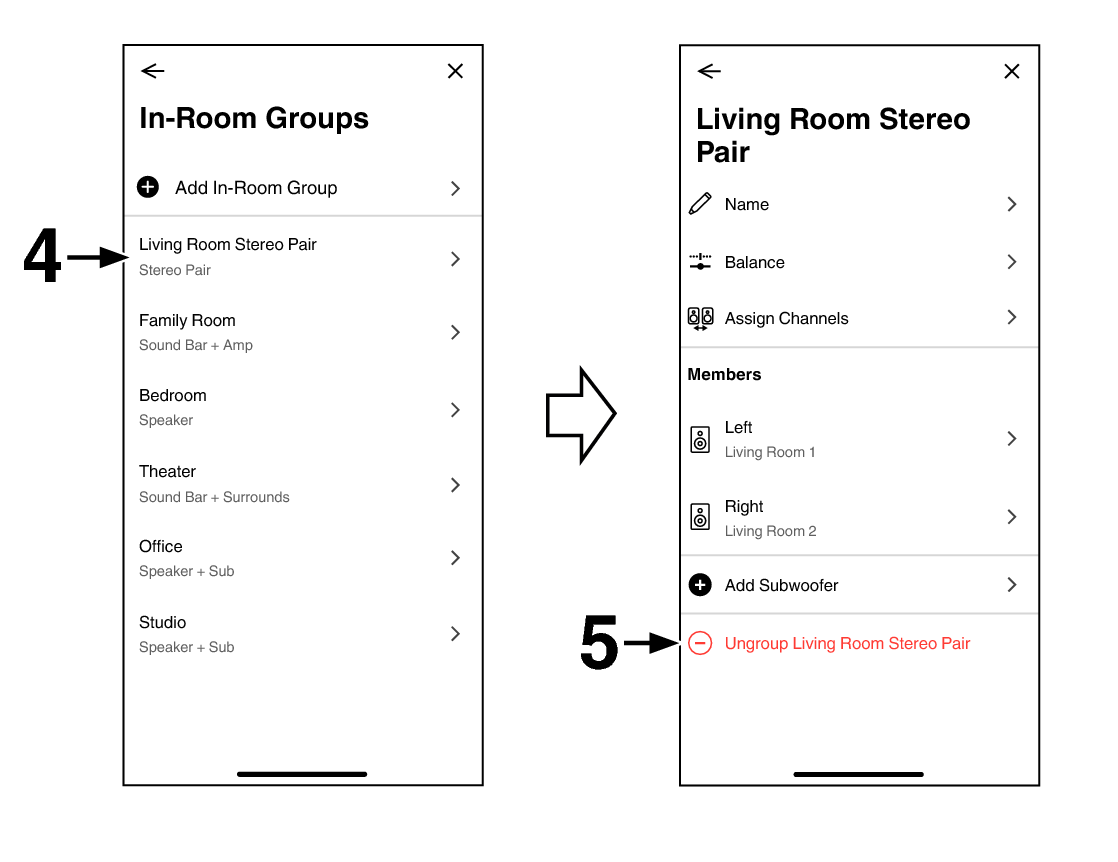
Tap the name of the group (“Living Room Stereo Pair”) to return the paired speakers to two individual speakers.
Tap “Ungroup Living Room Stereo Pair”.
In this procedure, “Living Room Stereo Pair” is used as the group name.