
Search result
Setting the auto standby mode
When auto standby mode is set to on, if the unit remains in the stopped state and no operations are performed for approximately 15 minutes, the unit automatically switches to standby mode.
The default setting is on.
Remote control unit illustration
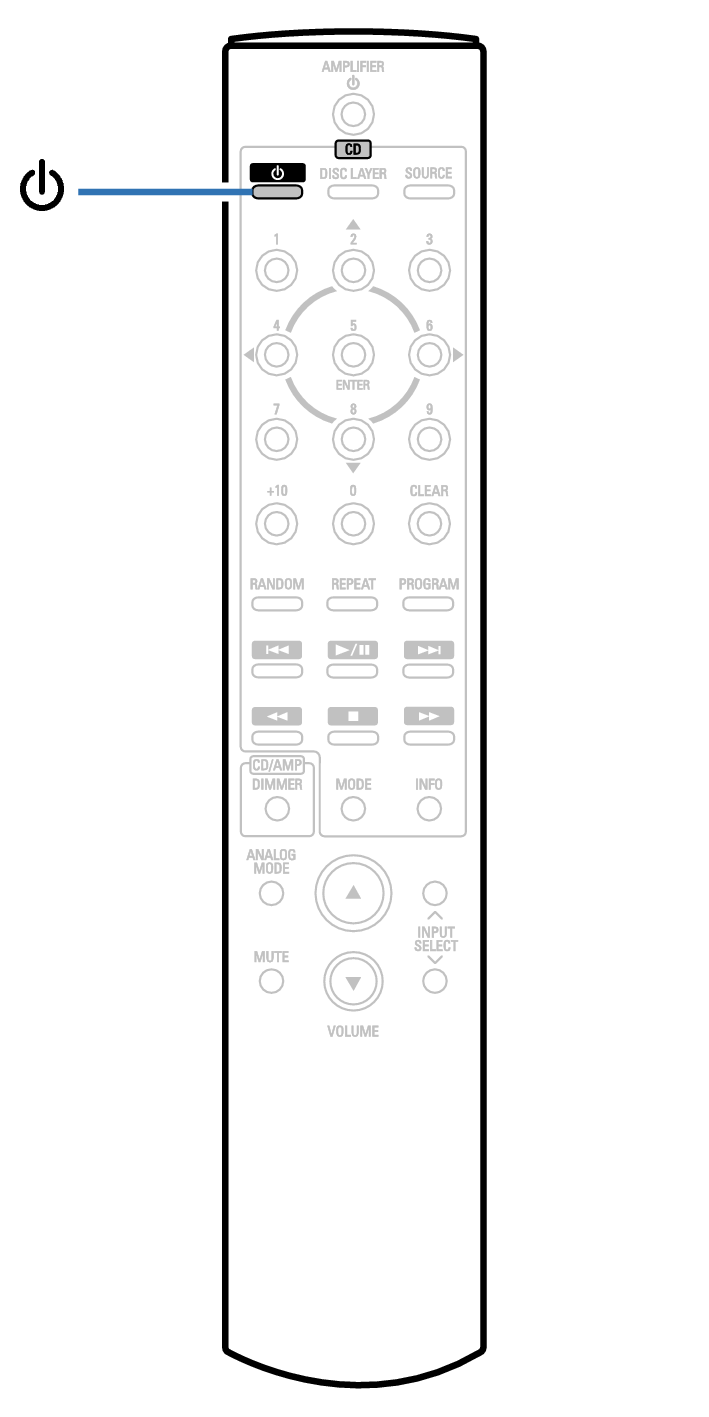
Press and hold  for 5 seconds or more to switch it on and off.
for 5 seconds or more to switch it on and off.The display changes as follows each time it is switched on and off.
When auto standby mode is on: “Auto-Standby On” is displayed.
When auto standby mode is off: “Auto-Standby Off” is displayed.