logo
Contents

Overview

Accessories
Features
Part names and functions

Connections

Connections
Connecting speakers
Connecting a playback device
Connecting a recording device
Connecting to a device with digital audio output connectors
Connecting a pre-amplifier
Connecting a PC or Mac
Connecting the power cord

Playback

Playback

Settings

Setting the Auto Standby mode

Tips

Tips
Troubleshooting

Appendix

D/A converter
Explanation of terms
Trademark information
Specifications
Dimensions / Weight
Index
PDF Download

Search result

There was no matching word.

  • Top
  • Playback

Overview

Accessories
Features
Part names and functions

Connections

Connections
Connecting speakers
Connecting a playback device
Connecting a recording device
Connecting to a device with digital audio output connectors
Connecting a pre-amplifier
Connecting a PC or Mac
Connecting the power cord

Playback

Playback

Settings

Setting the Auto Standby mode

Tips

Tips
Troubleshooting

Appendix

D/A converter
Explanation of terms
Trademark information
Specifications
Dimensions / Weight
Index

Playback

Remote control unit illustration
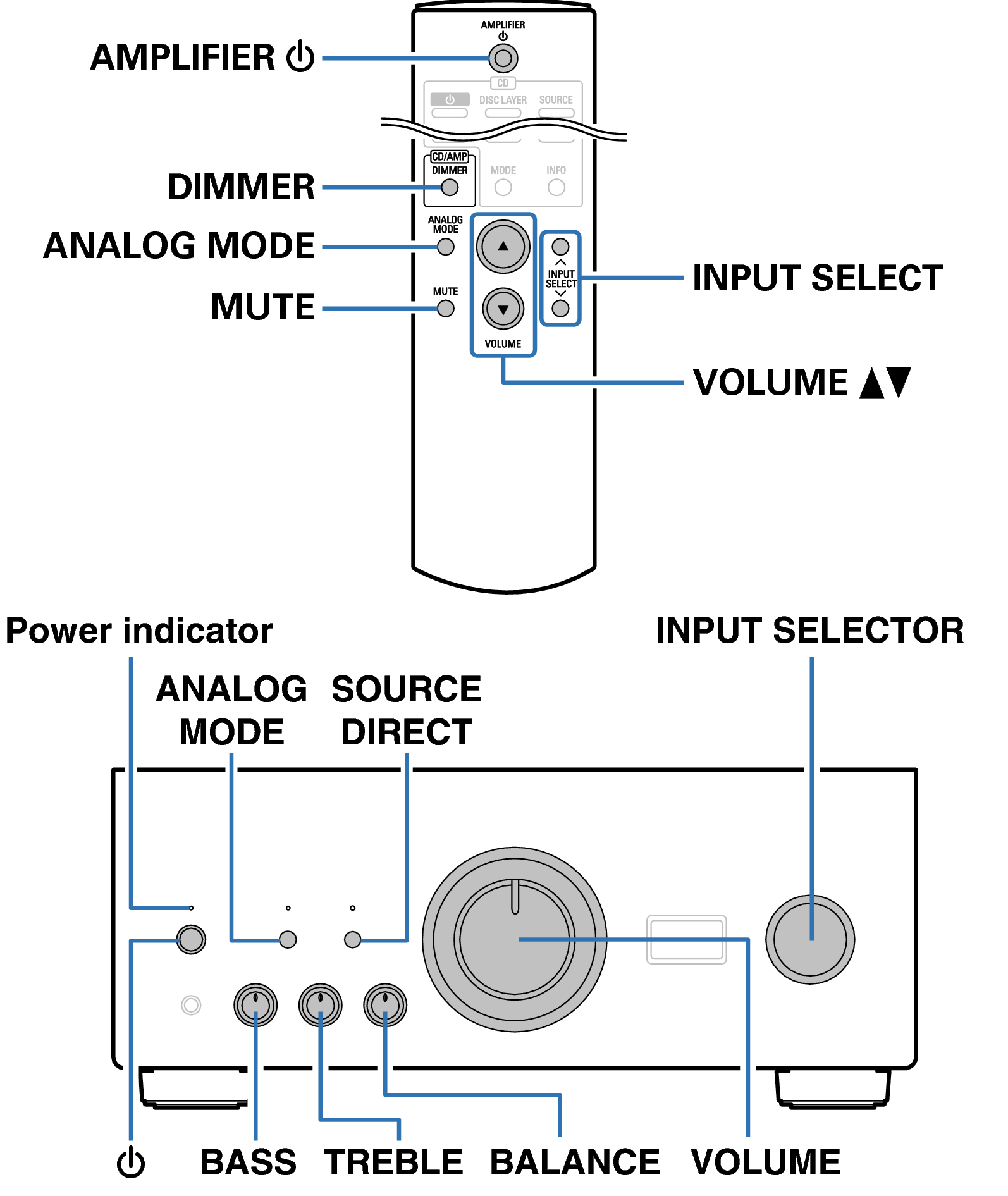
Ope Basic RC1207 FP PMA2500NE
Playback
Turning the power on
Selecting the input source
Adjusting the volume
Turning off the sound temporarily (Muting)
Adjusting the tone
Switching the display’s brightness
Playing CDs
Connecting and playing back from a computer (USB-DAC)
Connect and playback from a digital device (Coaxial/Optical)
Recording

back to top

INTEGRATED AMPLIFIER
Copyright © 2015 D&M Holdings Inc. All Rights Reserved.
