logo
Contents

Overview

Accessories
Features
Part names and functions

Preparations

Assembly
Adjustments

Connections

Connections
Connecting devices that do not have a phono input
Connecting devices that have a phono input
Connecting the AC adapter

Playback and recording

Record playback
Recording to a USB memory device
Installing the “MusiCut for DENON” digital file editing software

Tips

Troubleshooting

Appendix

Replacing the stylus
Replacing the cartridge
Specifications
Dimensions / Weight
PDF Download

Search result

There was no matching word.

  • Top
  • Playback and recording

Overview

Accessories
Features
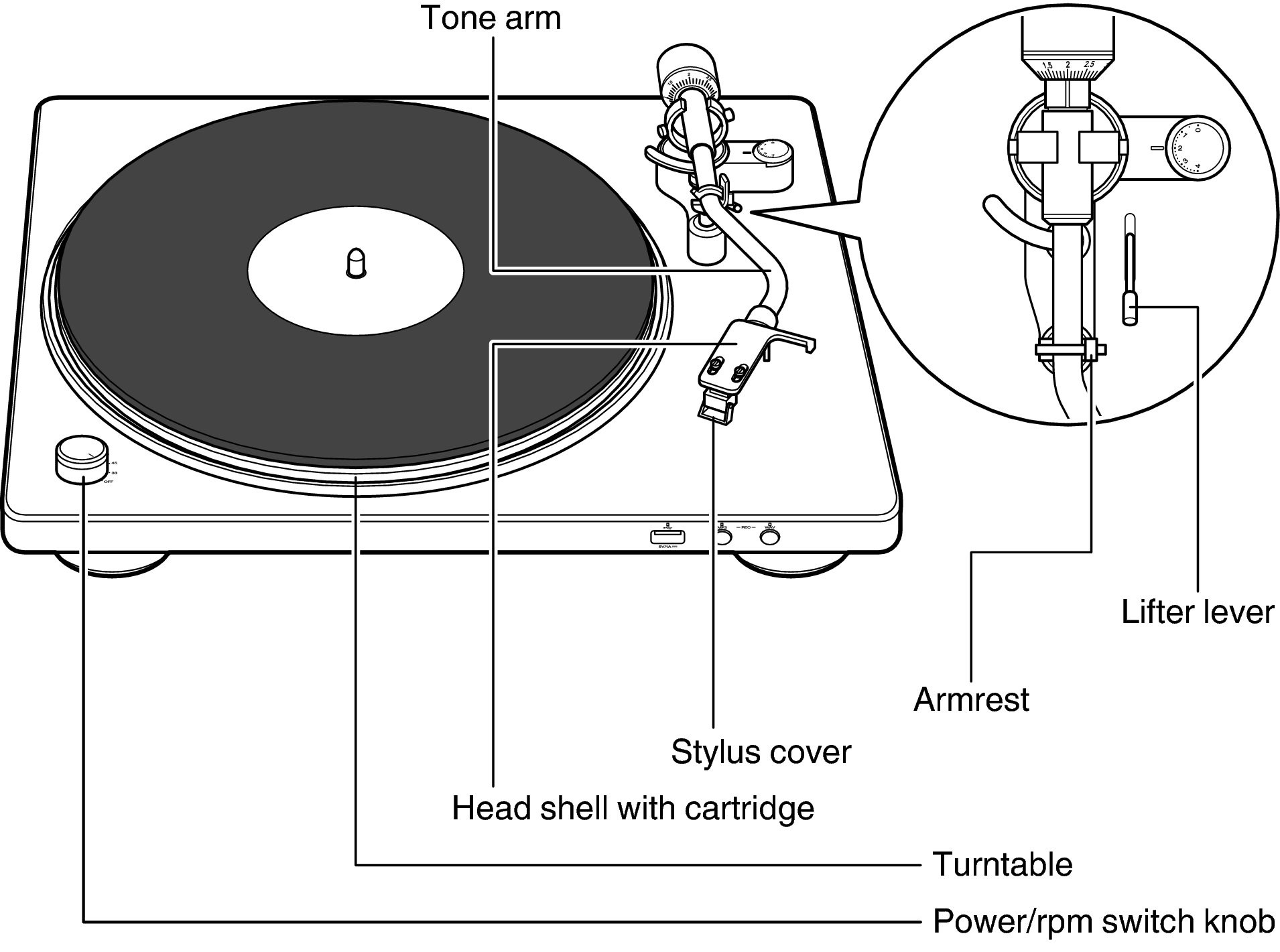
Part names and functions

Preparations

Assembly
Adjustments

Connections

Connections
Connecting devices that do not have a phono input
Connecting devices that have a phono input
Connecting the AC adapter

Playback and recording

Record playback
Recording to a USB memory device
Installing the “MusiCut for DENON” digital file editing software

Tips

Troubleshooting

Appendix

Replacing the stylus
Replacing the cartridge
Specifications
Dimensions / Weight

Record playback

Playback DP450USB
Record playback
Record playback
Stopping playback
Using the automatic stop function
Recording to a USB memory device
Installing the “MusiCut for DENON” digital file editing software

back to top

TURNTABLE
Copyright © 2018 D&M Holdings Inc. All Rights Reserved.