Factory reset
If the earbuds are not working properly, perform a factory reset.
This will restore all settings to their defaults. You will need to configure your settings again.
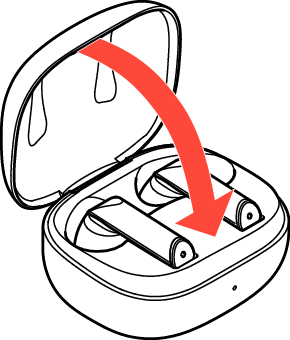
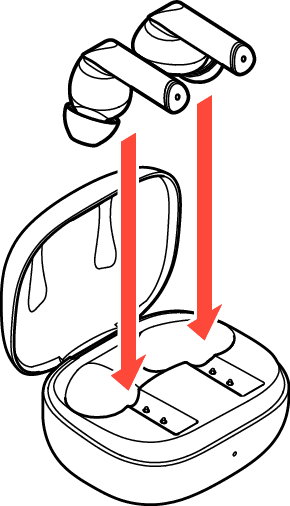
Place the earbuds in the charging case.
Do not close the lid of the charging case.
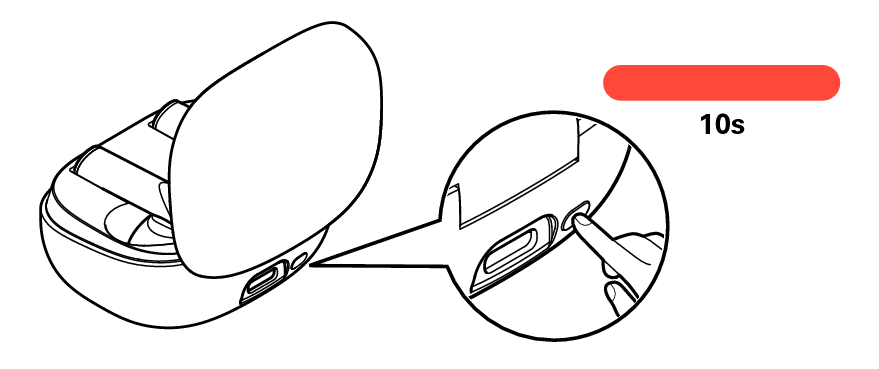
With the lid of the charging case left open, long press the multi-function button for approximately 10 seconds.
After the status LED blinks for 3 seconds alternating between red and green.
When the reset has completed successfully, the status LED will blink once in blue.
Close the lid of the charging case.
All the settings are reset to the factory default.