
Listening to music using a Bluetooth connection
First check that the earbuds and Bluetooth device are connected via Bluetooth. link
Playback operations can be performed from both the Bluetooth device and earbuds. Here we will explain the operations using the earbuds.
NOTE
Before playing music, check the volume setting of the used Bluetooth device and enjoy it at the appropriate volume.
Playback/pause
Tap the touch sensor of the right or left earbud once.
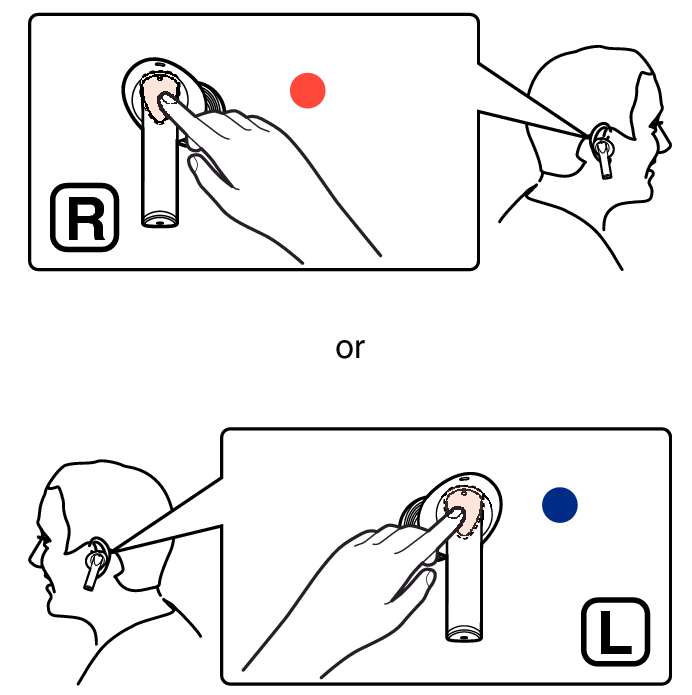
Select track
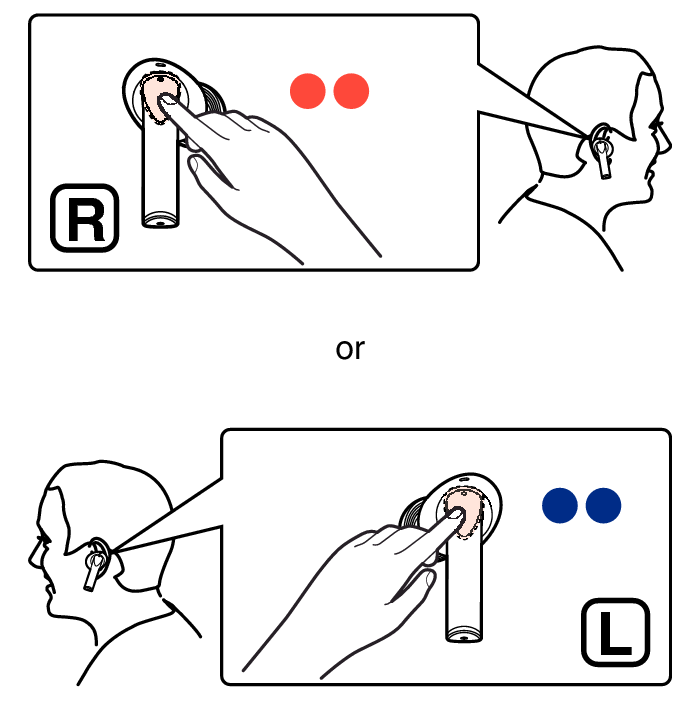
Next track: Tap the touch sensor of the right or left earbud twice.
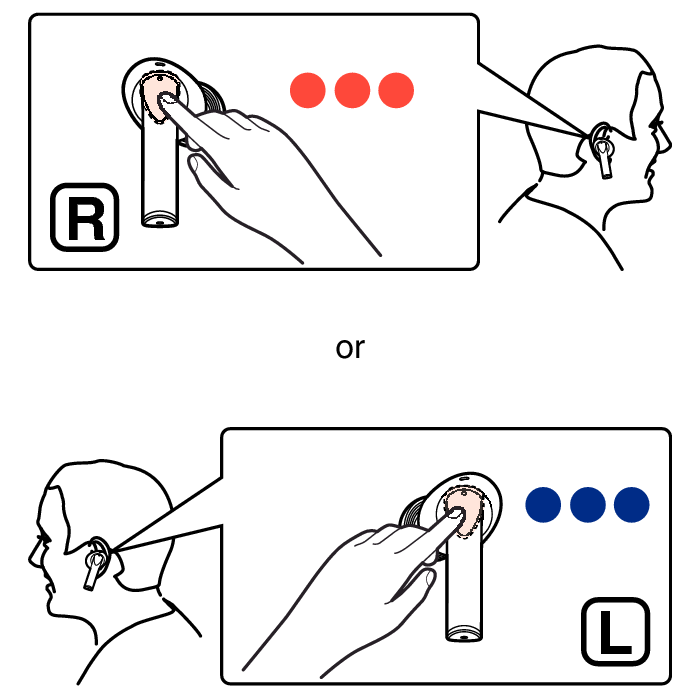
Previous track: Tap the touch sensor of the right or left earbud 3 times.
With the wear detection sensor built-in the earbuds, playback is paused when the earbuds are removed from your ears and playback resumes when they are worn again. The automatic pause function of the wear detection sensor can be turned off using the Denon Headphones app.
You can also wear just a single earbud on one side.
If one of the earbuds is out of charge, you can continue playback with the other earbud only. In this case, playback is in monaural sound.